
Light bounces
A bright source like the sun enters the lens, reflects off the sensor, hits the back of a lens element and lands on the sensor a second time as a faint copy of itself.
Free for iPhone · iOS 26
That small green dot that shows up when you photograph a sunset, a stage light or a bright window is a reflection bouncing around inside your lens. GhostFix finds it and paints it out. On your phone, in one tap.



It isn't dirt on the lens and it isn't a sensor fault. It's physics, and every phone camera does it.
A bright source like the sun enters the lens, reflects off the sensor, hits the back of a lens element and lands on the sensor a second time as a faint copy of itself.
The copy is mirrored through the centre of the frame, which is why the dot sits on the far side of the picture from the sun, usually right where you didn't want it.
Lens coatings cancel most of that stray light, but the green and cyan part of the spectrum slips through. Hence the colour, and hence the name.
No brushes, no layers, no sliders to learn. Pick the photo, zap it, keep it.
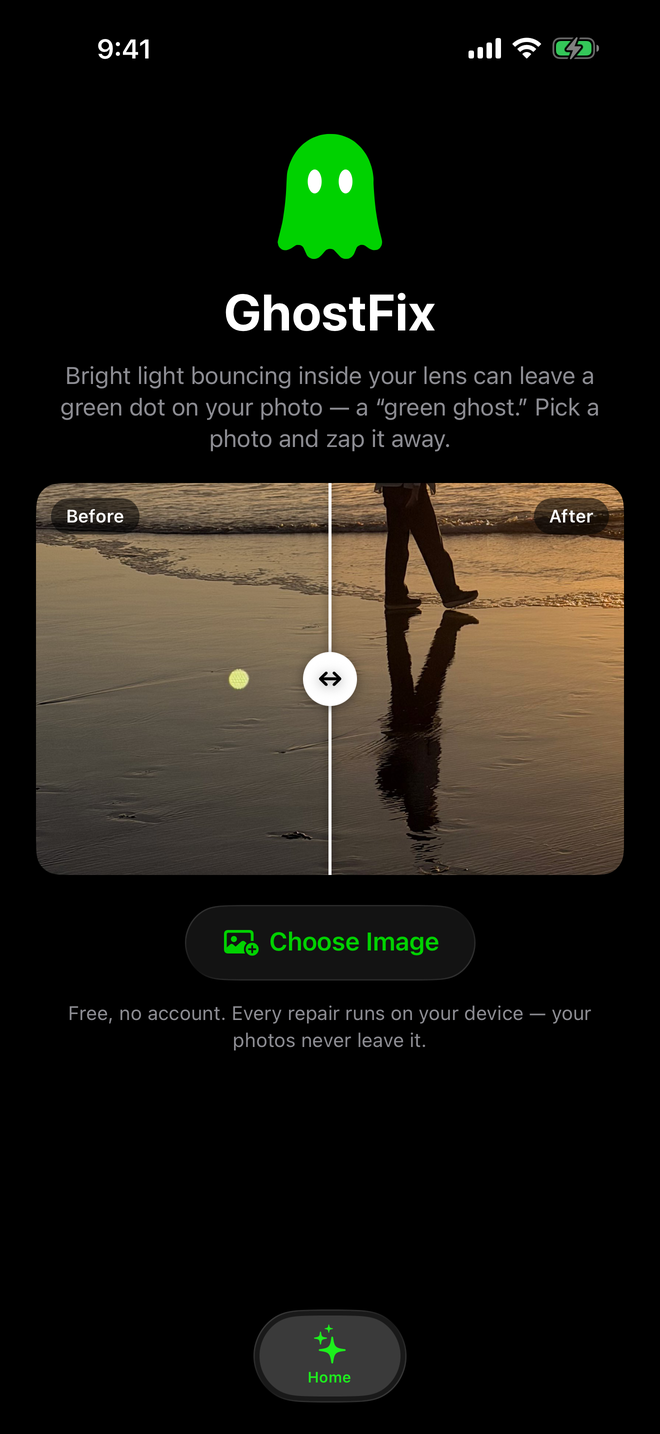
Choose any photo from your library. The app only ever sees the photos you hand it.



A detector trained on thousands of ghosts finds the dot. A second model rebuilds the pixels underneath it from the surrounding scene.
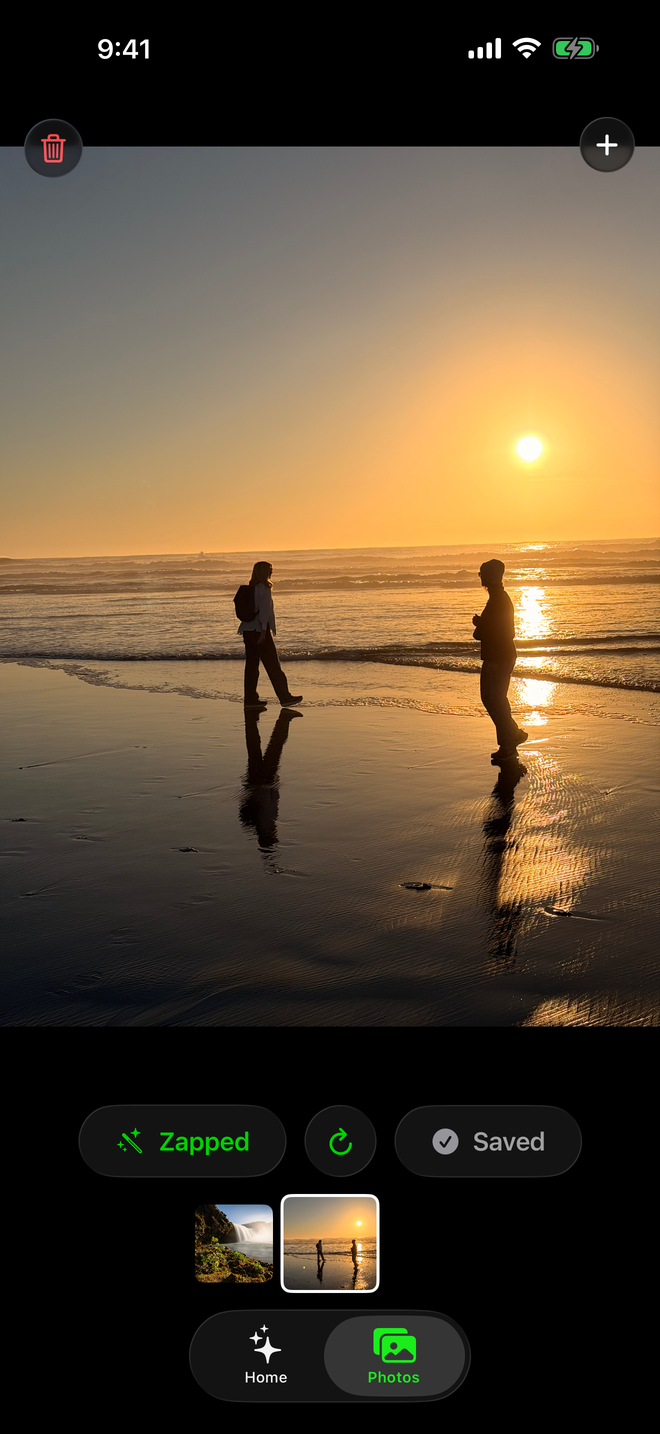
Press and hold to compare with the original. Happy? Save it to Photos as a new image. Your original is never touched.
 Missed one? Tap the hand icon, then tap the ghost yourself. The app builds the repair from your tap, so even an unusual ghost gets fixed.

Street lamps, windows, snow, water. Anywhere a bright light meets a lens, a ghost can follow.
 Hover or tap a photo to see it zapped.

GhostFix